From Idea to Impression: Mastering Google Ads Campaign Creation

Why Google Ads Campaign Creation Matters for Your Business Growth
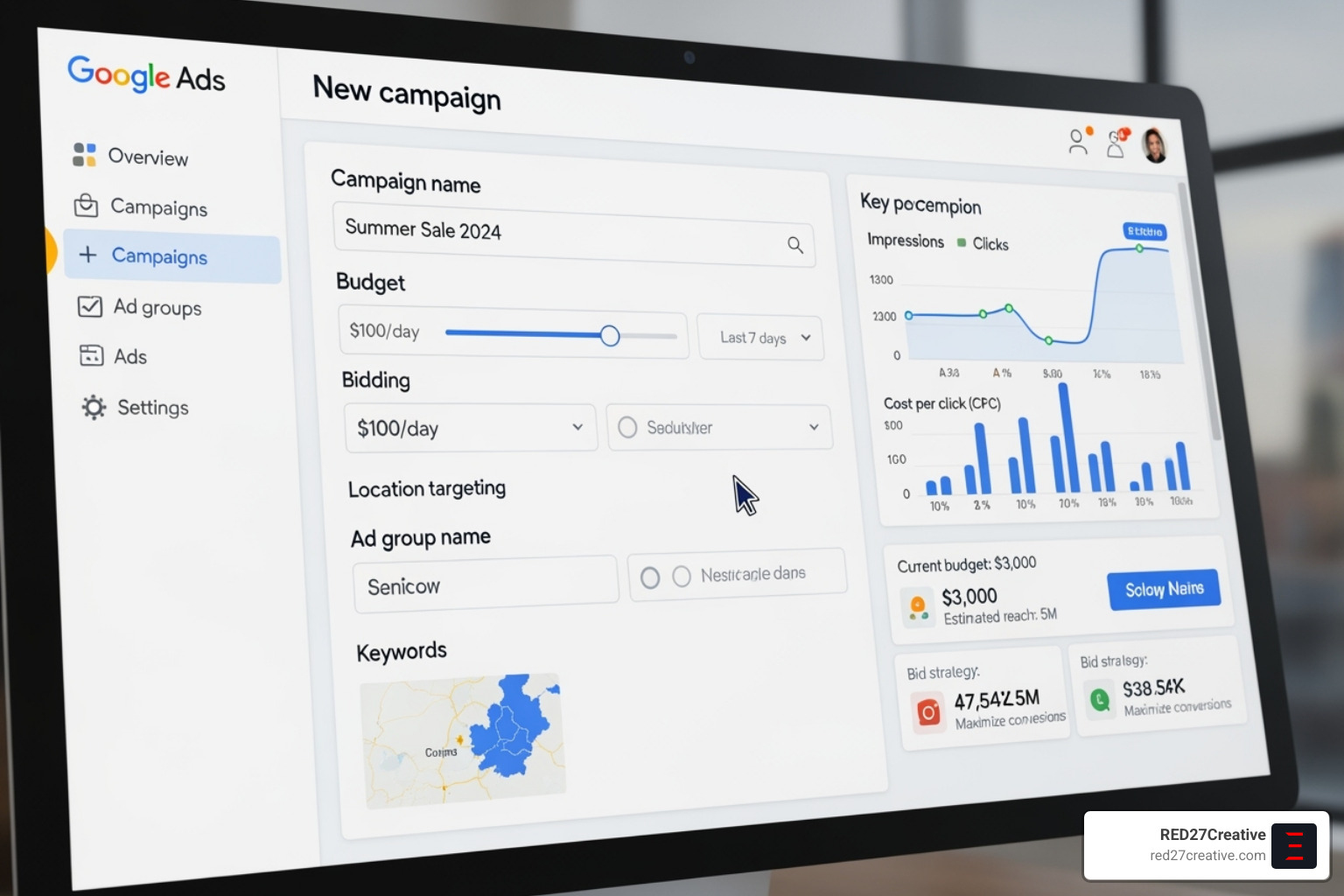
Google Ads campaign creation is the process of building advertising campaigns that appear across Google’s vast network. A successful campaign requires a structured approach:
- Set up your Google Ads account and billing.
- Choose your campaign objective (e.g., sales, leads, traffic).
- Select your campaign type (e.g., Search, Display, Performance Max).
- Configure core settings like budget, bidding, and targeting.
- Build ad groups with relevant keywords.
- Create compelling ads with strong calls to action.
- Review and launch your campaign.
With billions of daily searches, Google Ads is a powerful tool for growth. A well-executed strategy allows you to connect with customers actively seeking your products or services, whether your goal is driving sales, generating leads, or building brand awareness.
However, the platform’s complexity has grown. With AI-driven bidding, responsive ads, and Performance Max campaigns, there’s more opportunity but also a higher risk of costly errors. My name is Kiel Tredrea, founder of RED27Creative. With over 20 years of experience, I’ve helped countless businesses master Google Ads. This guide shares the exact process my team uses to build high-performing campaigns from day one.
Laying the Foundation: Account Setup and Strategic Planning
A successful Google Ads campaign creation strategy needs a solid foundation. Skipping these initial steps can undermine your entire effort. Let’s cover the essential groundwork for advertising success.
Setting Up Your Google Ads Account
To start, visit the Google Ads homepage. Google’s default setup guides you toward Smart Campaigns, which offer limited control. We recommend skipping the guided setup and choosing to “create account only.” This gives you full control to build campaigns from scratch.
Once your account is created, you must add billing information, including your country and time zone, which are critical for accurate reporting. If you have a Google Business Profile, linking it is especially important for local businesses in areas like Geneva IL, Naperville IL, or Chicago IL, as it improves local targeting capabilities.
For help with the technical setup, our team at RED27Creative specializes in Google Ads account management and can ensure everything is configured correctly from the start.
Understanding the Google Ads Structure
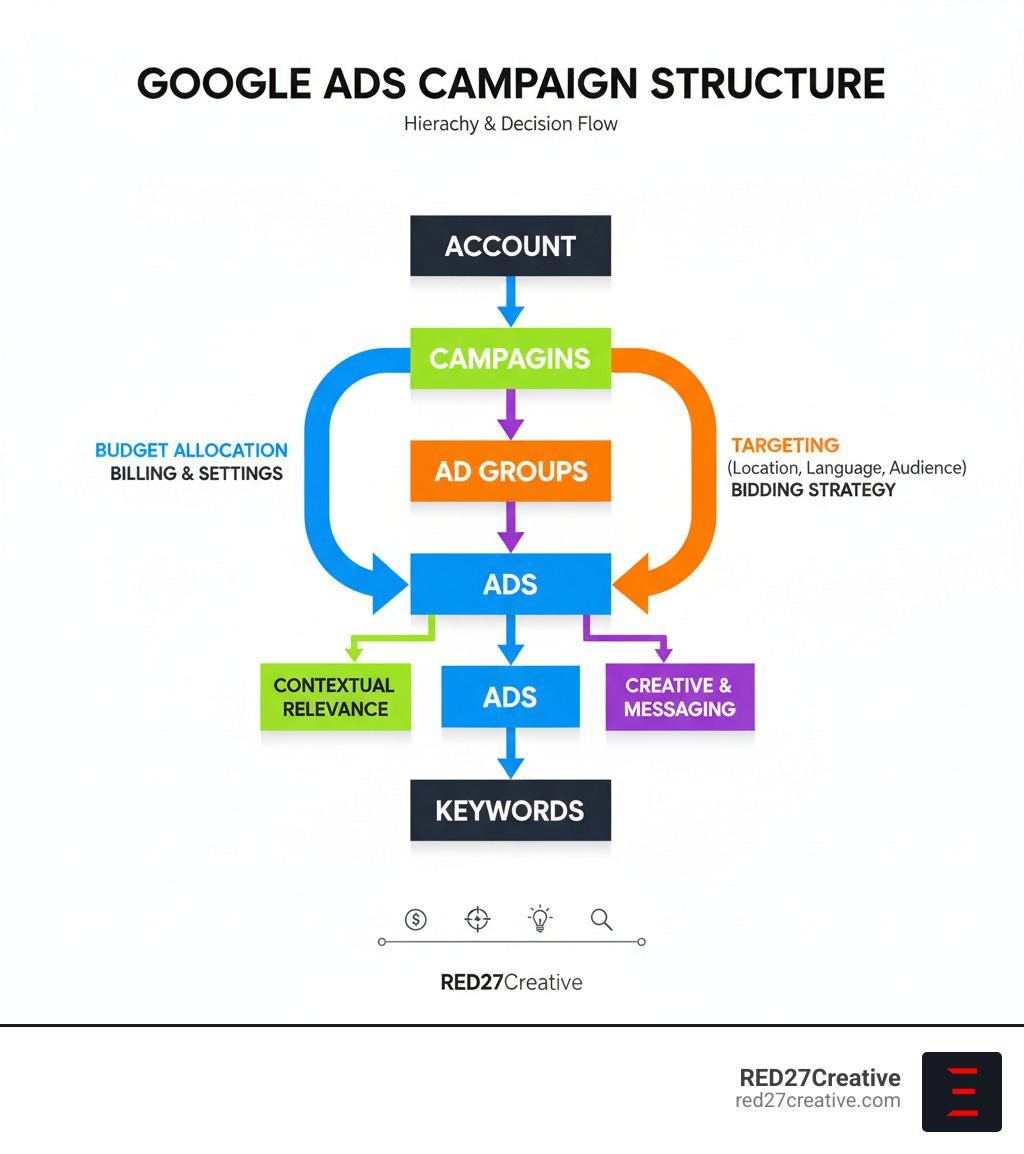
Think of your Google Ads account as a well-organized library. A logical structure is key to managing budgets, analyzing performance, and making smart optimizations.
- Account: The top level, controlling billing and user access.
- Campaigns: The next level down, where you set budgets, location targeting, and broad strategy (e.g., a campaign for a specific service).
- Ad Groups: Contained within campaigns, these are tightly themed collections of keywords and ads (e.g., an ad group for “emergency plumbing” and another for “water heater installation”).
- Ads & Keywords: The ads are the messages users see, and keywords are the search terms that trigger them.
This hierarchy (Account > Campaigns > Ad Groups > Ads > Keywords) ensures that decisions made at a higher level flow down logically. A clean structure is rewarded by Google with better performance. For more details, see our guide to Google Ads structure.
Defining Your Campaign Objective and Goals
Before you do anything else, ask: What do you want to achieve? Your advertising must be tied to specific business outcomes, not just vague goals like “getting traffic.”
Google offers several core objectives:
- Sales: Optimizes for online purchases or phone orders.
- Leads: Focuses on capturing contact information through forms or calls.
- Website Traffic: Aims to get more visitors to your site.
- Brand Awareness and Reach: Gets your brand in front of a large audience.
Other goals include Product and Brand Consideration, App Promotion, and Local Store Visits. Your chosen objective dictates which campaign types, bidding strategies, and conversion actions are most appropriate. Aligning your campaign with real business goals is the first step toward a positive ROI. You can explore these options further in Google’s guide on campaign goals.
The Ultimate Guide to Google Ads Campaign Creation
With a solid foundation, it’s time to build your campaign. This is where Google Ads campaign creation turns from theory into tangible results.
Step 1: Choosing the Right Campaign Type
Selecting the right campaign type is like choosing the right tool for a job. It determines where your ads appear and how they perform.
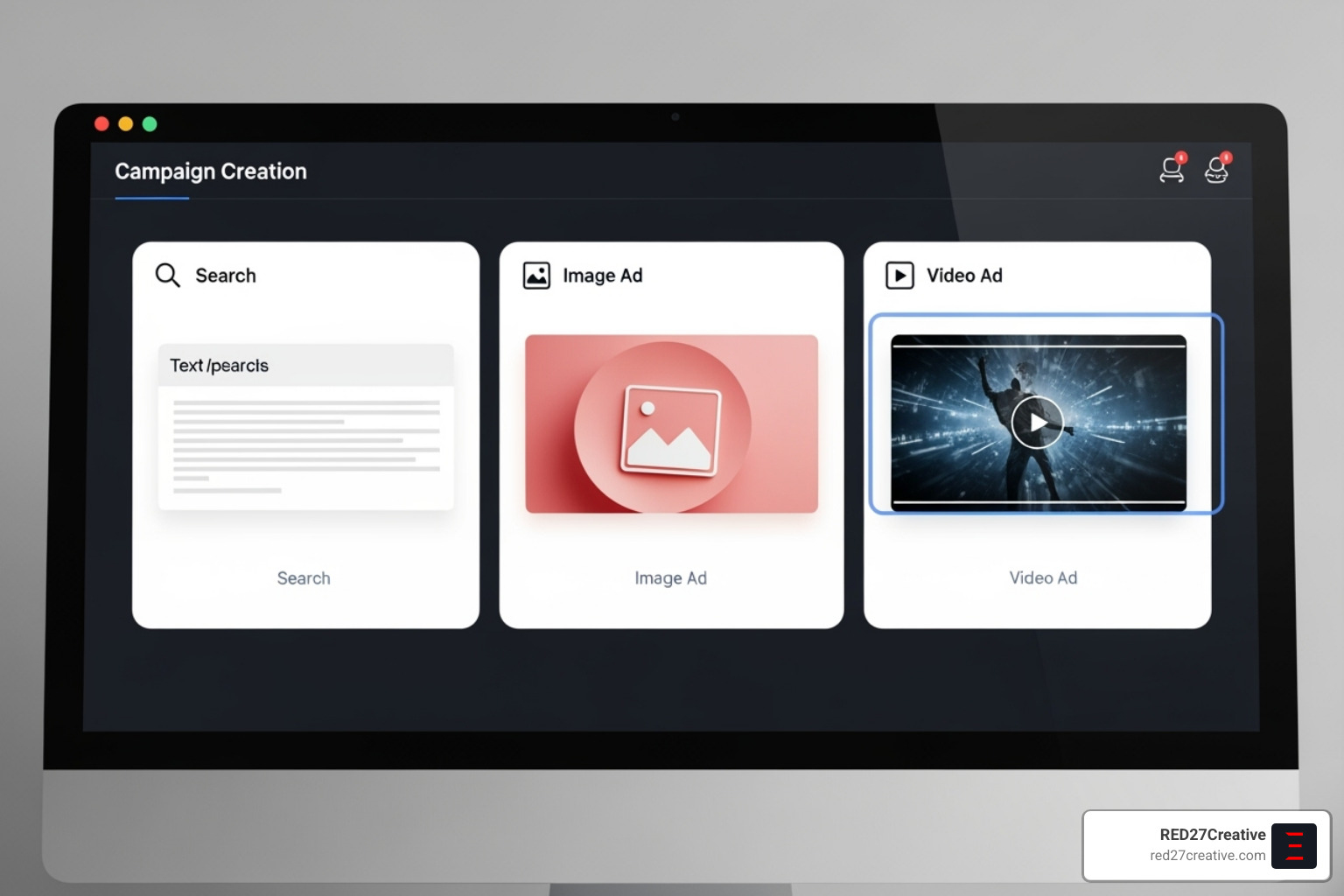
- Search campaigns: Text ads that appear on Google search results. Ideal for capturing high-intent users actively looking for your products or services.
- Display campaigns: Visual ads that appear across websites and apps in the Google Display Network. Excellent for brand awareness and remarketing.
- Video campaigns: Ads that run on YouTube and video partner sites. Perfect for storytelling and creating an emotional connection.
- Shopping campaigns: Product-focused ads for e-commerce, showing images and prices directly in search results.
- Performance Max campaigns: AI-powered campaigns that run across all Google channels (Search, Display, YouTube, etc.) from a single setup, optimizing for maximum reach and conversions.
- App campaigns: Designed to drive installs and engagement for mobile apps.
The right choice depends on your goals. A local service business in Aurora IL might start with Search, while a new product launch could benefit from Display or Video. For more details, see Google’s Campaign Types Help.
| Campaign Type | Primary Objective | Best For |
|---|---|---|
| Search | Leads, Sales, Website Traffic | Capturing high-intent users actively searching for specific products or services you offer. |
| Display | Brand Awareness, Consideration, Remarketing | Reaching broad audiences, building visual brand recognition, and re-engaging past website visitors. |
| Video | Brand Awareness, Consideration | Storytelling, engaging audiences on YouTube, reaching specific demographics with compelling visuals. |
| Shopping | Sales | E-commerce businesses showcasing products directly in search results with pricing and images. |
| Performance Max | Sales, Leads, Website Traffic | Maximizing conversions across all Google channels using AI-driven automation for multiple goals. |
| App | App Installs, Engagement | Promoting mobile applications to drive downloads and encourage in-app actions. |
Step 2: Configuring Your Core Campaign Settings
These settings control your budget and targeting.
- Budget: Set a daily average you’re comfortable spending. Costs vary by industry and location, with competitive terms in Chicago IL costing more than niche services in Geneva IL. We can help with RED27Creative Google Ads Budget Management.
- Bidding Strategy: Choose between manual bidding for full control or automated bidding to let Google’s AI optimize for goals like Maximize Conversions or Target ROAS (Return on Ad Spend). We often start with manual or Improved CPC to gather data before moving to automated strategies.
- Location & Language Targeting: Show ads to people in specific countries, cities (like St. Charles IL), or a radius around your business. Language targeting ensures your ads reach users with the right language settings.
- Audience Targeting: Layer on targeting based on demographics, interests (Affinity), active research (In-Market), or past interactions with your site (Remarketing).
- Ad Scheduling: Control when your ads run. A B2B company might run ads only during business hours, while a restaurant could focus on lunch and dinner times.
Step 3: Building Effective Ad Groups and Keyword Lists
Strategic organization here impacts your costs and ad relevance.
- Ad Groups: Each ad group should focus on a single theme (e.g., “SEO Services” vs. “Web Design”). This ensures keywords, ads, and landing pages are highly relevant to one another.
- Keyword Research: Use tools like Google’s Keyword Planner to find terms your customers are searching for. Prioritize keywords with commercial intent, like “hire PPC agency.”
- Keyword Match Types: Control how closely a search must match your keyword.
- Broad Match: Widest reach, but can trigger irrelevant clicks.
- Phrase Match (
"keyword"): More control, showing for searches that include your phrase. - Exact Match (
[keyword]): Most control, showing only for the exact search or close variants.
- Negative Keywords: Prevent ads from showing on irrelevant searches (e.g., adding “free” or “jobs” as negatives). This is crucial for controlling costs and improving traffic quality. Our RED27Creative Paid Search Management services refine these strategies continuously.
Step 4: Crafting Compelling Ads and Using Assets
Your ad is your first impression. Make it count.
- Responsive Search Ads (RSAs): Provide multiple headlines and descriptions, and Google’s AI tests combinations to find the best-performing ad for each user.
- Headlines & Descriptions: Write attention-grabbing headlines (up to 30 characters) that include keywords and benefits. Use descriptions (up to 90 characters) to elaborate on your offer and what makes you unique.
- Call to Action (CTA): Tell users exactly what to do next (e.g., “Get a Free Quote,” “Shop Now,” “Call Today”).
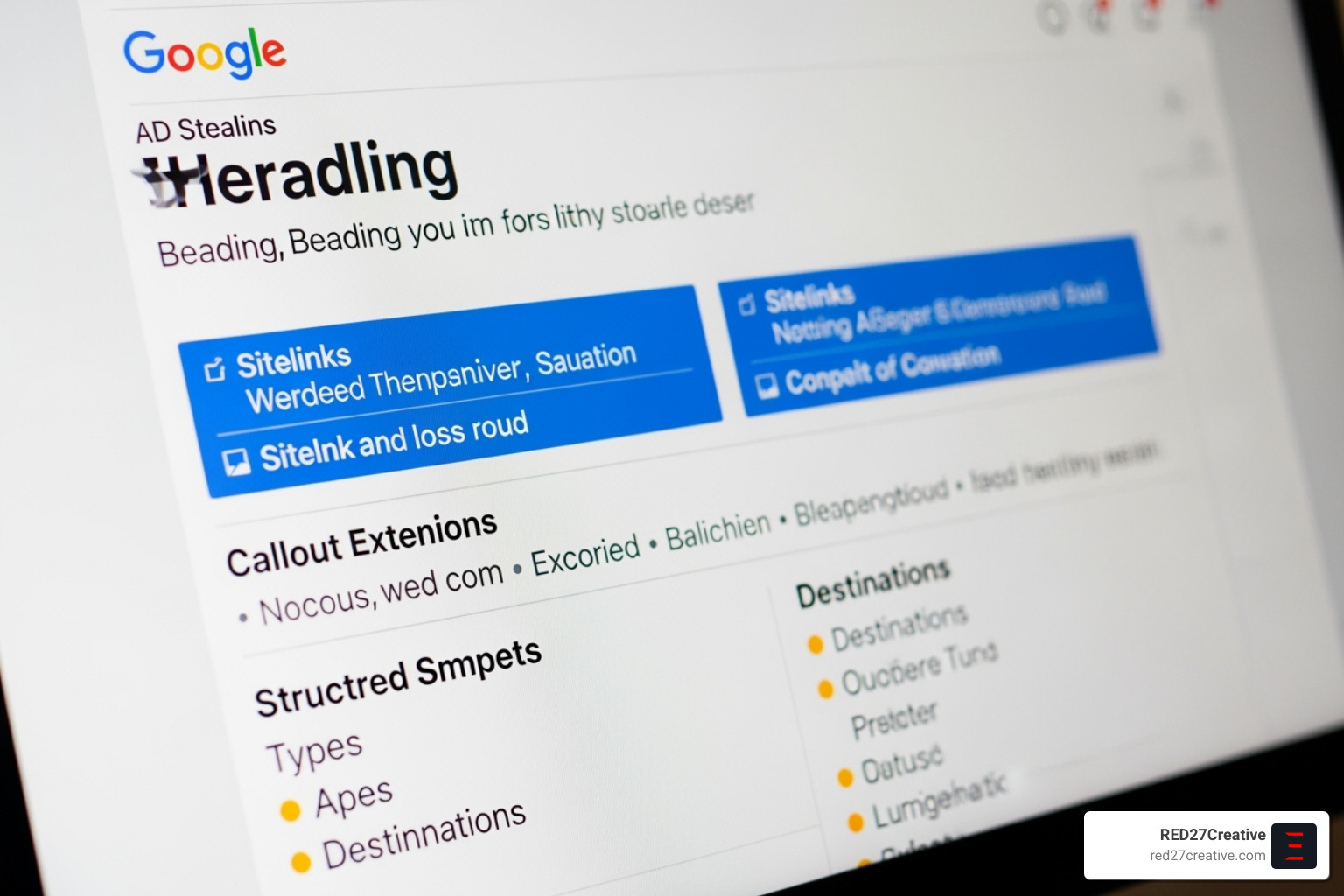
- Ad Assets (Extensions): Add extra information to make your ad larger and more useful. Use Sitelinks to direct users to specific pages, Callouts to highlight benefits, Call assets to add a phone number, and Image assets to add visuals. Add every relevant asset to improve your ad’s visibility and click-through rate.
Optimizing for Conversions: Landing Pages and Advanced Tactics
A perfect ad is only half the battle in Google Ads campaign creation. What happens after the click is what determines your ROI.
The Crucial Role of Your Landing Page
Your landing page must seal the deal. A great ad leading to a poor landing page is a wasted click.
- Relevance is Key: The landing page must match the ad’s promise. An ad for HVAC repair should lead to a page about HVAC repair, not a generic homepage. This alignment improves your Quality Score, lowering costs.
- Focus on User Experience (UX): Guide visitors with clear headlines and a simple layout. Remove distractions and focus on a single conversion goal.
- Speed Matters: A slow-loading page kills conversions. Aim for a load time under three seconds. Fast pages convert better.
- Mobile-First Design: With over half of searches on mobile, your page must be flawless on all devices. Ensure buttons are tappable and forms are easy to use.
- Clear Call to Action (CTA): Make your CTA button or form prominent and compelling. Tell users exactly what to do next.
- A/B Test Everything: Continuously test headlines, images, and CTAs to find what resonates with your audience and improves conversion rates.
Leveraging Google’s AI for Smarter Campaign Creation
Google’s AI has transformed advertising into a data-driven science, working 24/7 to optimize your campaigns.
- Performance Max Campaigns: These AI-driven campaigns reach customers across all Google channels from a single setup, automatically allocating budget where it will perform best.
- Automated Bidding: Google’s AI adjusts bids in real-time based on hundreds of signals, bidding more for clicks likely to convert and less for unpromising ones.
- Responsive Search Ads (RSAs): AI tests countless ad combinations to find the most effective message for different users and search queries.
Machine learning continuously identifies patterns and adapts your campaigns, making them smarter over time. To learn more, explore the Google Ads AI Essentials.
When to Use Dynamic Search Ads (DSAs)
Dynamic Search Ads automatically create ads based on your website’s content.
Instead of using keywords, DSAs scan your site and match its content to relevant searches. Google then generates a headline based on the user’s query and your page content. This is powerful for capturing long-tail searches you might otherwise miss.
DSAs are ideal for e-commerce sites with large inventories or for businesses that frequently add new services. They work best with well-structured websites and can supplement existing keyword-based campaigns to fill in coverage gaps. Our team at RED27Creative specializes in Dynamic Search Ads to ensure your site and campaigns work together seamlessly. For more, see Google’s Dynamic Search Ads Help.
From Launch to Mastery: Review, Monitoring, and Troubleshooting
Google Ads campaign creation doesn’t end at launch. Continuous monitoring and optimization are essential for long-term success.
The Final Review and Launch Process
Before publishing, conduct a final review to catch any errors.
- Campaign Review Checklist:
- Are objectives and conversion tracking set up correctly?
- Are budgets and bidding strategies aligned with goals?
- Is targeting (location, language, audience) accurate?
- Are ad groups tightly themed?
- Are negative keywords in place?
- Are ads and assets compelling?
- Are landing pages optimized?
After addressing any warnings from Google, publish your campaign. Be aware of the initial “learning phase,” which can last a few weeks as Google’s AI gathers data. Performance may fluctuate in the first 48 hours, so avoid making drastic changes too quickly.
Post-Launch: Monitoring Performance and What Comes Next
Regular monitoring is crucial for maintaining a high ROI.
- Key Metrics to Watch:
- Click-Through Rate (CTR): Indicates ad relevance.
- Cost Per Click (CPC): The average cost per click.
- Cost Per Acquisition (CPA): The cost to get one conversion.
- Conversion Rate: The percentage of clicks that convert.
- Quality Score: This 1-10 score reflects the relevance of your ads, keywords, and landing pages. A higher score leads to lower costs and better ad positions.
- Search Terms Report: Review this report to find new keywords and identify negative keywords to add.
Ongoing optimization involves refining keywords, A/B testing ads, adjusting bids, and optimizing targeting. Our RED27Creative Google Ads Campaign Management services provide comprehensive support to keep your campaigns performing at their best.
Common Challenges in Google Ads Campaign Creation and How to Solve Them
Even experts face challenges. Here are common issues and solutions:
- Low Impression Share: Your ads aren’t showing enough. Solution: Increase your budget, raise bids, or improve your Quality Score.
- High CPC: Clicks are too expensive. Solution: Improve Quality Score, refine keyword targeting, and add negative keywords.
- Low Quality Score: Ads or landing pages are irrelevant. Solution: Improve ad copy relevance and landing page experience.
- Ad Disapprovals: Ads violate Google’s policies. Solution: Review the policy, edit the ad to comply, and resubmit.
- Budget Exhaustion: Your budget runs out too early. Solution: Increase the budget, lower bids, or use ad scheduling to focus on peak hours.
Frequently Asked Questions about Google Ads Campaign Creation
What are the main types of Google Ads campaigns?
Google Ads offers Search, Display, Video, and Performance Max campaigns. Each type is designed to meet specific business goals, such as capturing search intent, building brand awareness, or promoting products and services.
How much does it cost to run a Google Ads campaign?
Costs vary by industry, keywords, and competition. The average cost per click (CPC) is around $4.66, but you control your budget and can set daily limits to manage spending while optimizing for results.
How long does it take for a Google Ads campaign to start working?
Ads are typically reviewed within one business day. After launch, campaigns enter a “learning phase” where Google’s AI optimizes performance. This phase can last a few weeks, so allow data to accumulate before making major changes.
Conclusion: Your Partner in PPC Success
Mastering Google Ads campaign creation requires strategic planning, precise execution, and continuous optimization. We’ve covered the entire process, from foundational setup and goal definition to building, launching, and monitoring high-performing campaigns.
You now have the recipe for success. However, while you can manage Google Ads on your own, an experienced partner can make all the difference, saving you time and maximizing your return on investment.
At RED27Creative, we’ve spent over 20 years helping businesses in Geneva IL, Naperville IL, Chicago IL, and beyond turn advertising spend into measurable revenue. You started your business to serve customers, not to become a Google Ads expert. Our team handles the complexity of campaign management so you can focus on what you do best.
We act as an extension of your team, applying our expertise to achieve your specific business goals. Whether you’re launching your first campaign or looking to improve existing ones, we’re here to help.
Ready to transform your Google Ads performance? Learn more about our Google Ads Management Services and find how RED27Creative can become your partner in PPC success.

Kiel Tredrea
https://red27creative.comTop Marketing Agency • Web, SEO & Leads • RED27Creative